 Support
Updated :
Support
Updated :
By default, your Flight Conditions are set to Clear Skies. To set your Flight Conditions to Live Weather by default you need to go to the World Map.
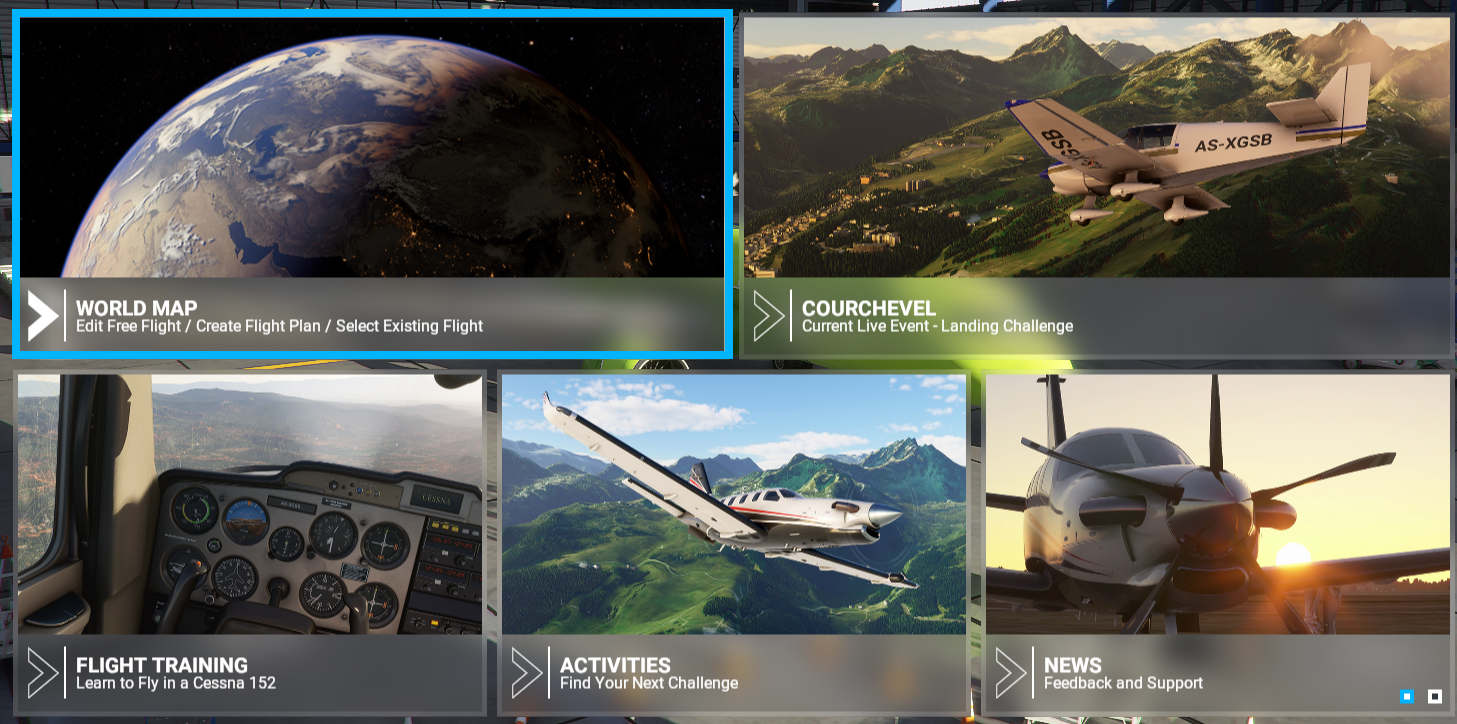
- Open Flight Conditions at the top right of the screen.

- The first thing you will see is the Weather & Time information. Clear Skies is the Presets by default.
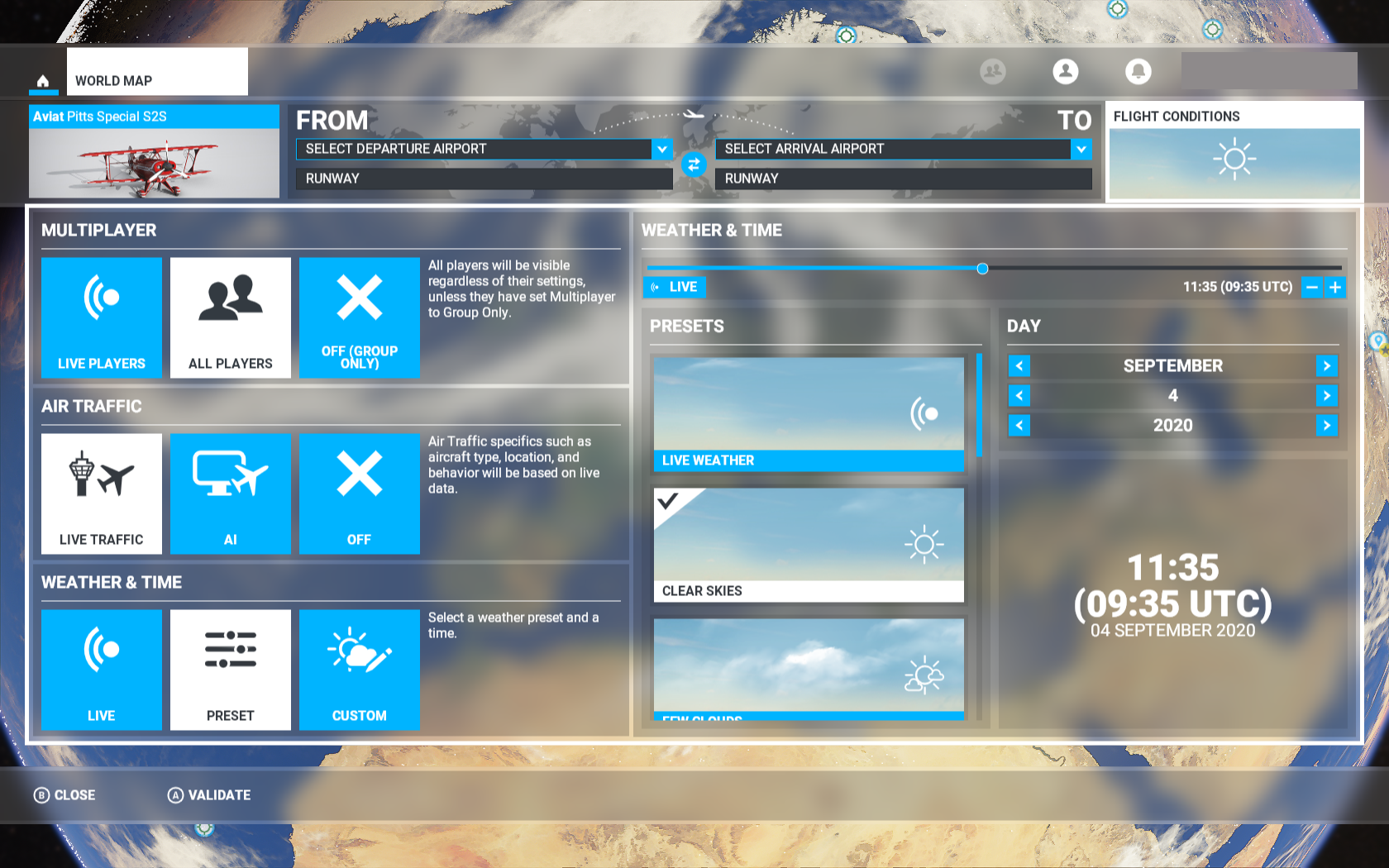
- You can start by changing the presets from Clear Skies to Live Weather.
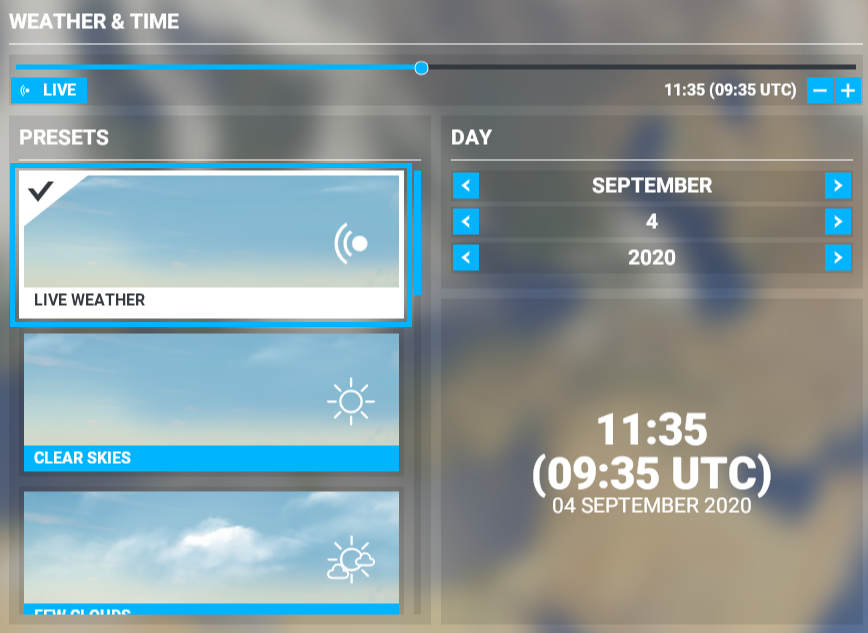
- Once done. You can go back to the World Map menu and set your flight. You can easily verify if the Live Weather is enabled before a Flight by looking if the Live Icon appears in the Flight Conditions box.

Comments