 Support Team
Updated :
Support Team
Updated :
The Microsoft Flight Simulator Support team can only provide limited Windows 10 technical support. Most Windows error codes can be fixed after updating or reinstalling Windows 10 but some errors require further troubleshooting.
To find the solution for your specific error code:
- Note the error code when it appears on your screen
- Go to https://answers.microsoft.com/
- Type the error code in the "search the community" field
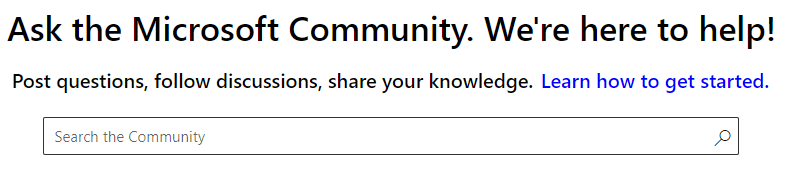
A list of the relevant questions and answers will appear. Follow the instructions from the Microsoft Community. If the error code doesn't appear in the list, you have several options.
- Ask a new question
- Go to Windows help
- Check our Windows Store troubleshooting guide to find the most common solutions to issues with the store
- Reset your PC or remove an update by following the instructions detailed in this article: Windows 10 recovery options
- Contact Microsoft Support to request further assistance
Comments